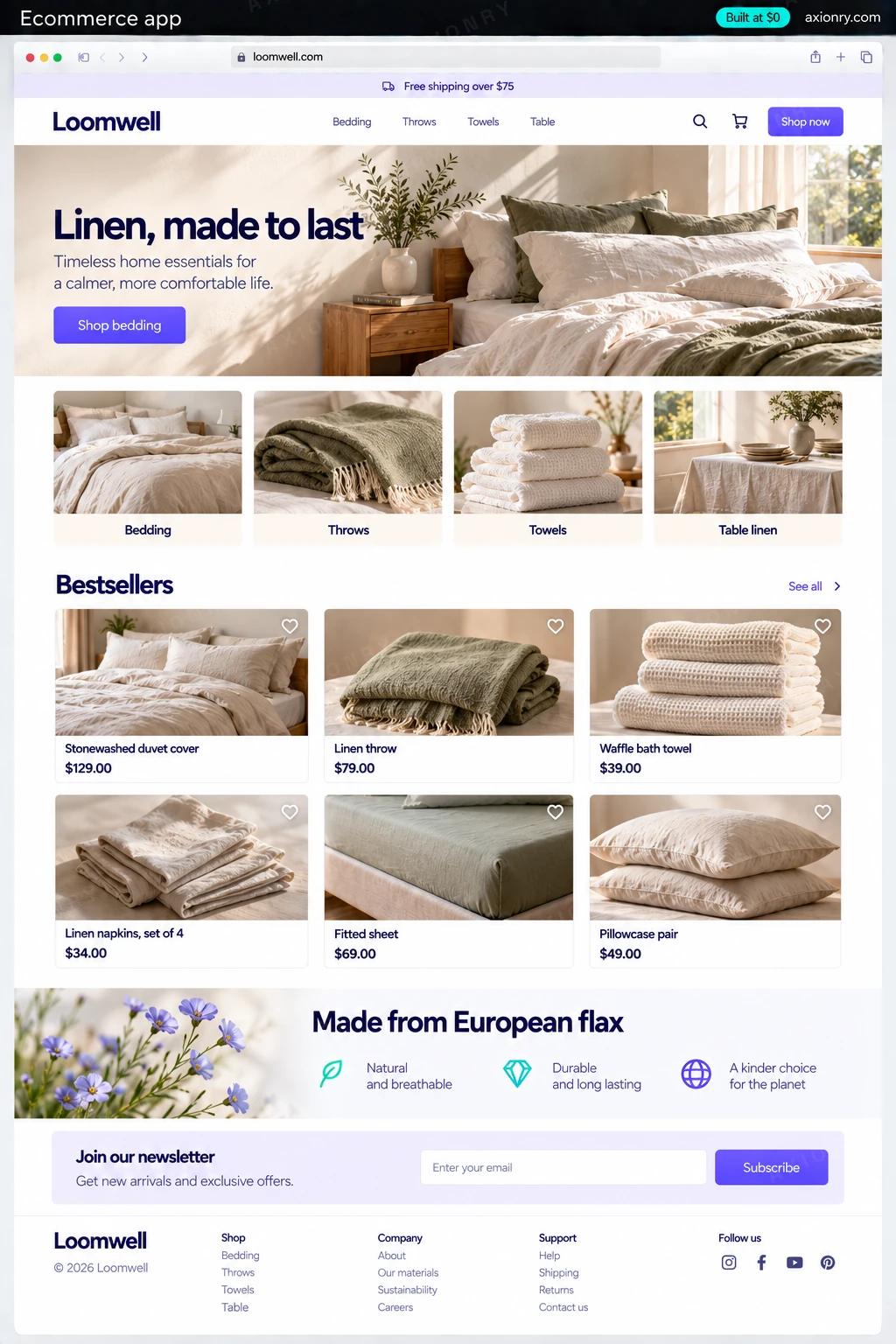
What is an ecommerce app?
An ecommerce app is the storefront and mobile app where customers browse, search, buy and track orders. A custom one keeps a proven commerce engine underneath, such as Shopify or open-source Medusa, for products, checkout, tax and inventory, and builds only the part customers touch: the site and app, search, accounts and the flows that make your brand different.
Be clear about when you need it. If you are launching a store, a Shopify theme is faster and cheaper than anything custom, and you should use one. A custom storefront earns its cost for brands with steady sales that their theme is holding back: slow pages, a buying flow the theme cannot express, such as bundles, build-your-own or subscriptions, or customers who buy often enough to want an app.
This page prices a headless build on Shopify: a custom-designed Next.js storefront and an Expo app for iOS and Android, sharing search, accounts, wishlists and push notifications, with Shopify's own checkout in both. The same front end can run on Medusa if you would rather own the commerce backend and pay card fees to Stripe directly.
Pages that load fast on a phone, search that understands typos, a cart that follows them from web to app, and a checkout they already trust.
Products, prices and stock still managed in Shopify, plus landing pages, collections and app banners they can change without a developer.
A store that looks and behaves like the brand, conversion data you own, and an app channel whose push messages carry no per-message fee.
What features does an ecommerce app need?
An ecommerce app needs 8 core features: fast storefront, native shopping app, search that forgives typos, checkout you do not rebuild, accounts, orders and wishlists, editable content, back-in-stock and cart alerts and the flows themes cannot do.
Fast storefront
Server-rendered Next.js pages with cached product data and optimized images, built to pass Core Web Vitals on a mid-range phone.
Native shopping app
An iOS and Android app with the same catalog, cart and account as the website, plus Face ID sign-in and push notifications.
Search that forgives typos
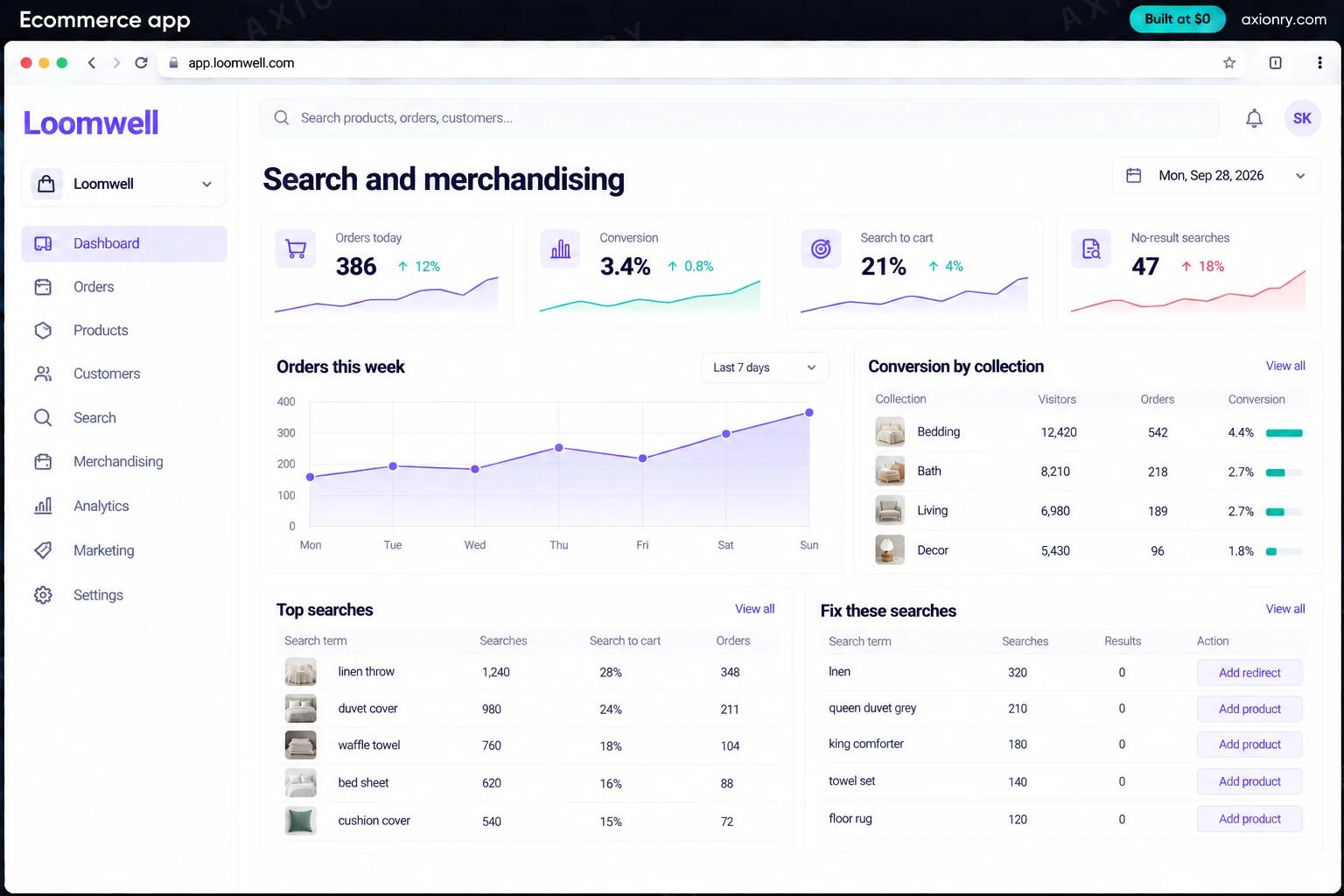
Algolia or Typesense search with typo tolerance, synonyms and filters by size, color and price, updated whenever a product changes in Shopify.
Checkout you do not rebuild
Shopify's checkout, embedded in the app through Checkout Kit, keeps your payment methods, discounts and tax rules exactly as they are today.
Accounts, orders and wishlists
Customers see orders and tracking, reorder in a tap, and keep a wishlist that follows them from app to web.
Editable content
Home page, collections, lookbooks and app banners are edited in a headless CMS such as Sanity, so launches do not wait for a developer.
Back-in-stock and cart alerts
Push notifications for returning items, price drops and abandoned carts, sent by rules you set and measured by the orders that follow.
The flows themes cannot do
One bespoke flow scoped into v1, such as a bundle builder, a product configurator or subscribe-and-save, built on Shopify's APIs.
What screens does an ecommerce app have?
It is built around 3 screens: storefront and search, product page in the app and checkout in the app.
- 1Storefront and searchThe web storefront on a laptop, with a misspelled search corrected, filters and product cards.
- 2Product page in the appThe app's product page with photos, color swatches, rating, price and the add-to-bag button.
- 3Checkout in the appShopify checkout opened inside the app with the order total, and a back-in-stock alert above it.
How does an ecommerce app work?
End to end, in 5 steps: products stay in Shopify, a shopper lands and searches, they build a cart, checkout runs on Shopify and after the order.
- 1
Products stay in Shopify
Your team keeps adding products, prices and stock in Shopify. Webhooks push every change to the search index and the storefront cache within seconds.
- 2
A shopper lands and searches
Pages are rendered on the server and cached at the edge, so they open fast from ads and email. Search answers each keystroke from Algolia or Typesense.
- 3
They build a cart
The cart lives in Shopify through its Storefront API, so it follows the shopper from web to app and keeps every discount rule you already run.
- 4
Checkout runs on Shopify
On the web the shopper moves to Shopify checkout; in the app it opens as a native sheet through Checkout Kit. Card data never touches your servers.
- 5
After the order
Order and shipping updates arrive by email and push, the account shows tracking, and back-in-stock and cart reminders run on the rules you set.
What is the architecture and tech stack of an ecommerce app?
It has 8 layers: commerce engine (Shopify through the Storefront API, or Medusa), web storefront (Next.js on Vercel), shopping app (React Native with Expo, Shopify Checkout Kit), search (Algolia or Typesense), content (Sanity or Contentful), store services (Node.js + TypeScript, Postgres), messaging (Firebase Cloud Messaging and APNs for push, Klaviyo for email) and analytics (PostHog, with GA4 for marketing). The diagram shows how a request moves through them.
| Layer | What we use | Why |
|---|---|---|
| Commerce engine | Shopify through the Storefront API, or Medusa | Checkout, tax, discounts, inventory and orders are solved problems. Shopify runs them for you; Medusa is open source when you want to own that layer too. |
| Web storefront | Next.js on Vercel | Server rendering and edge caching keep product and collection pages fast, which helps both search rankings and paid traffic. |
| Shopping app | React Native with Expo, Shopify Checkout Kit | A single codebase ships to both stores, and Checkout Kit puts Shopify's own checkout inside the app instead of a rebuilt one. |
| Search | Algolia or Typesense | Typo tolerance, synonyms and filters answered in milliseconds. Typesense can be self-hosted when search volume makes per-request pricing expensive. |
| Content | Sanity or Contentful | Your team edits landing pages, lookbooks and app banners, and the storefront picks them up without a release. |
| Store services | Node.js + TypeScript, Postgres | Wishlists, back-in-stock subscriptions and sync jobs, the data Shopify does not keep for you. |
| Messaging | Firebase Cloud Messaging and APNs for push, Klaviyo for email | Push from the app for alerts, and Klaviyo, which reads Shopify events directly, for email flows. |
| Analytics | PostHog, with GA4 for marketing | Funnels from product view to order across web and app, tied to the same customer. |
How much does it cost to build an ecommerce app?
A launch-ready ecommerce app costs $21,500 to $43,000 to build and takes 6 to 10 weeks. A clickable demo costs $2,600 to $5,000 (2 to 4 weeks), and running it costs $250 to $1,050 a month at the usage below. You start at $0 and pay per checkpoint you accept.
Priced with the same model as our AI product cost estimator, from the features above. Your price is fixed in writing after a 20-minute call, before any work starts.
| Version | Build cost | Timeline | What it is |
|---|---|---|---|
| Clickable demo | $2,600 to $5,000 | 2 to 4 weeks | Clickable and real where it matters, on test data. Built to show users and investors, not to carry production traffic, so compliance work starts at launch. |
| Launch-ready | $21,500 to $43,000 | 6 to 10 weeks | Production architecture, tests on the risky paths, monitoring, and a handover your team can run. |
| Enterprise-grade | $28,000 to $56,000 | 7 to 12 weeks | Load tested, highly available, audited and documented for a larger team. |
What it costs to run
About 10,000 monthly shoppers across the site and app; your Shopify plan, payment fees and search plan are billed by those vendors on top.
| Line | Per month | Assumes |
|---|---|---|
| Hosting and database | $180 to $480 | Vercel + managed services, sized for 10,000 monthly users |
| Email, monitoring, analytics | $75 to $600 | Free tiers cover most products at launch |
| Total | $250 to $1,050 | List prices, before any volume discount |
Build at $0: how you pay
$0 is when you pay, not what you pay. The launch-ready build is split into checkpoints with acceptance criteria agreed before work starts, and each one is invoiced only after you have seen it and accepted it.
- 1Scope and acceptance criteriaBefore work startsA call, then a written plan: every checkpoint with acceptance criteria you agree to before work starts.$0
- 2Architecture and first flowBy week 2Data model, service boundaries and one real flow working end to end.$4,300 to $8,500
- 3Core productBy week 5The main flows on production architecture, with a demo at the end of every week.$6,500 to $13,000
- 4The rest of v1By week 8Billing, admin and the flows that let you charge money and support users.$6,500 to $13,000
- 5Launch and handoverBy week 10Deployed on your accounts and documented, with 30 days of defect correction included.$4,300 to $8,500
What can you add to an ecommerce app after launch?
The additions most teams make next: AI search and discovery, personalized recommendations, shopping assistant and product copy and image variants.
AI search and discovery
Shoppers type what they mean, like 'warm throw for a gray sofa under $100', and hybrid keyword and semantic search returns the right products.
Personalized recommendations
'Pairs well with' and 'picked for you' rows from each shopper's views and orders, measured against a control group so you know they add revenue.
Shopping assistant
A chat assistant that answers sizing, materials, shipping and returns from your own product data and policies, and hands over to your team when unsure.
Product copy and image variants
Draft descriptions, alt text and lifestyle image variants for new products, reviewed by your team before they go live.
What are the risks when building an ecommerce app?
Three things decide whether it works in production: accessibility is a legal risk, speed is the point and one source of truth.
Accessibility is a legal risk
US online stores are frequent targets of ADA accessibility lawsuits, and the European Accessibility Act has covered most online shops selling to EU consumers since June 2025. Build to WCAG 2.2 AA from the first screen and test with a screen reader before launch.
Speed is the point
A headless store is only worth it if it is faster than the theme it replaces. Set Core Web Vitals budgets per page type, cache product data at the edge, and watch real-user numbers after every release.
One source of truth
Shopify owns products, prices and inventory. Keep it that way: sync by webhook, never edit catalog data in your own database, and reconcile nightly so the app never sells stock that is gone.