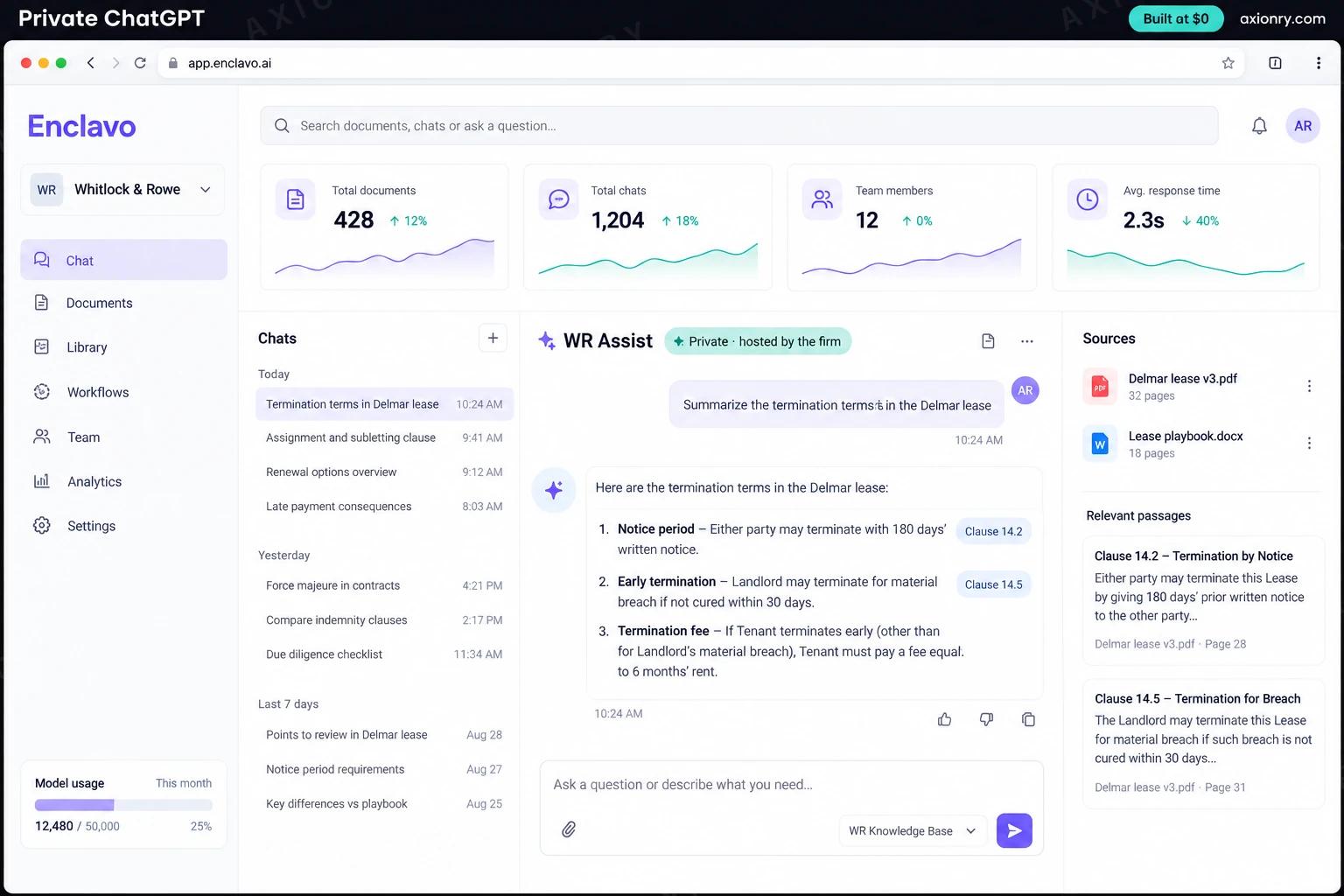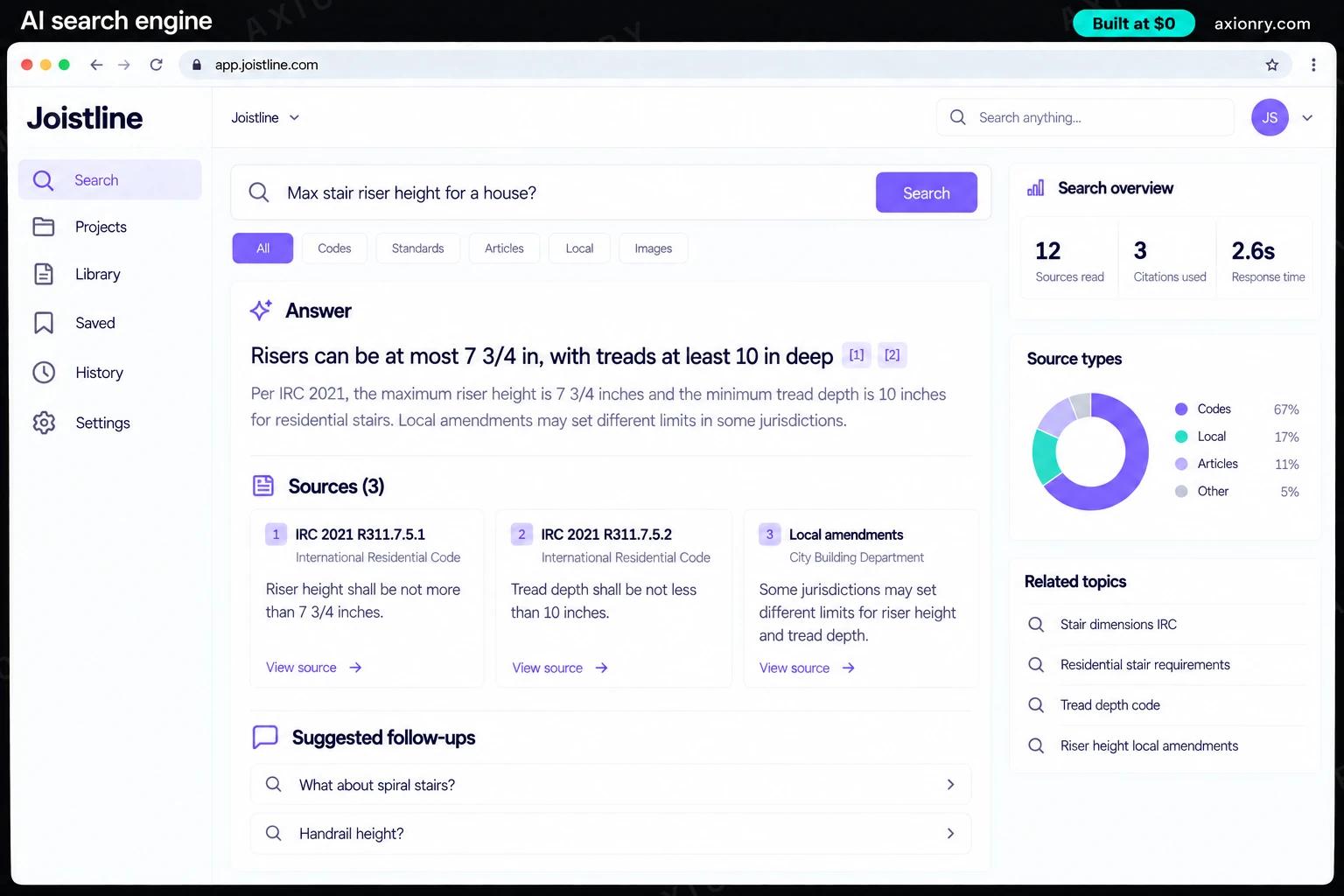
What is an AI knowledge base?
An AI knowledge base is an assistant that answers employees' questions from the documents and conversations your company already has. It searches your wikis, drives and chat, writes a short answer with links to the exact sources, says how old those sources are, and never uses a document the person asking could not open.
It is for growing companies whose knowledge is spread across several tools, where the answer to 'how do we do this now' lives in someone's head or a Slack thread from last spring. New hires find answers without interrupting anyone, experts field fewer repeat questions, and support, sales and operations stop asking the same thing in different channels.
You can build it for your own company or as a product you sell to others, which adds multi-tenancy and many more connectors. This page prices one company's assistant: connectors for Google Drive, SharePoint, Notion, Confluence and Jira, and Slack, single sign-on, answers in a web app and in Slack, and a weekly report of gaps and stale documents.
An answer with sources in Slack or the browser, instead of searching five tools or waiting for a colleague to reply.
Fewer repeat questions, and a report of which of their documents are cited, out of date or missing.
Single sign-on, answers that follow each tool's existing permissions, a log of questions and sources, and model APIs that do not train on your data.
What features does an AI knowledge base need?
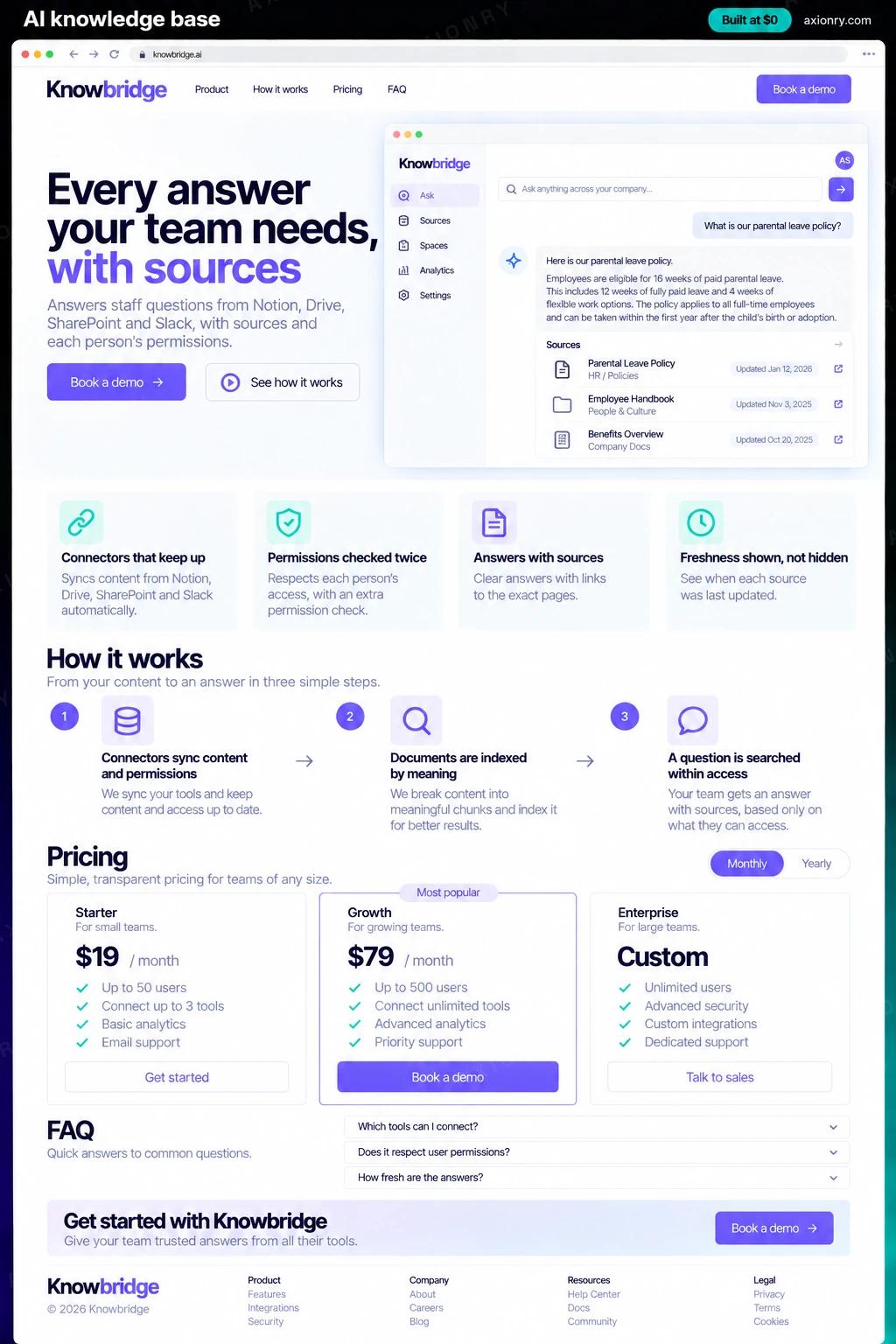
An AI knowledge base needs 8 core features: connectors that keep up, permissions checked twice, answers with sources, freshness shown, not hidden, refuses rather than guesses, answers in Slack and web, gaps and stale docs report and single sign-on and audit log.
Connectors that keep up
Google Drive, SharePoint, Notion, Confluence, Jira and Slack sync incrementally, including edits, deletions and permission changes.
Permissions checked twice
Search covers only documents the asker can open, and the final sources are checked again against the source tool just before answering.
Answers with sources
Each answer quotes and links the passages it used, so anyone can check it in one click.
Freshness shown, not hidden
Answers give the date of their newest source and warn when it is old, and official spaces rank above stale project pages.
Refuses rather than guesses
When nothing current supports an answer, it says so, lists what it did find and who last edited it.
Answers in Slack and web
A Slack app answers in threads and direct messages, and a web app keeps history and longer answers.
Gaps and stale docs report
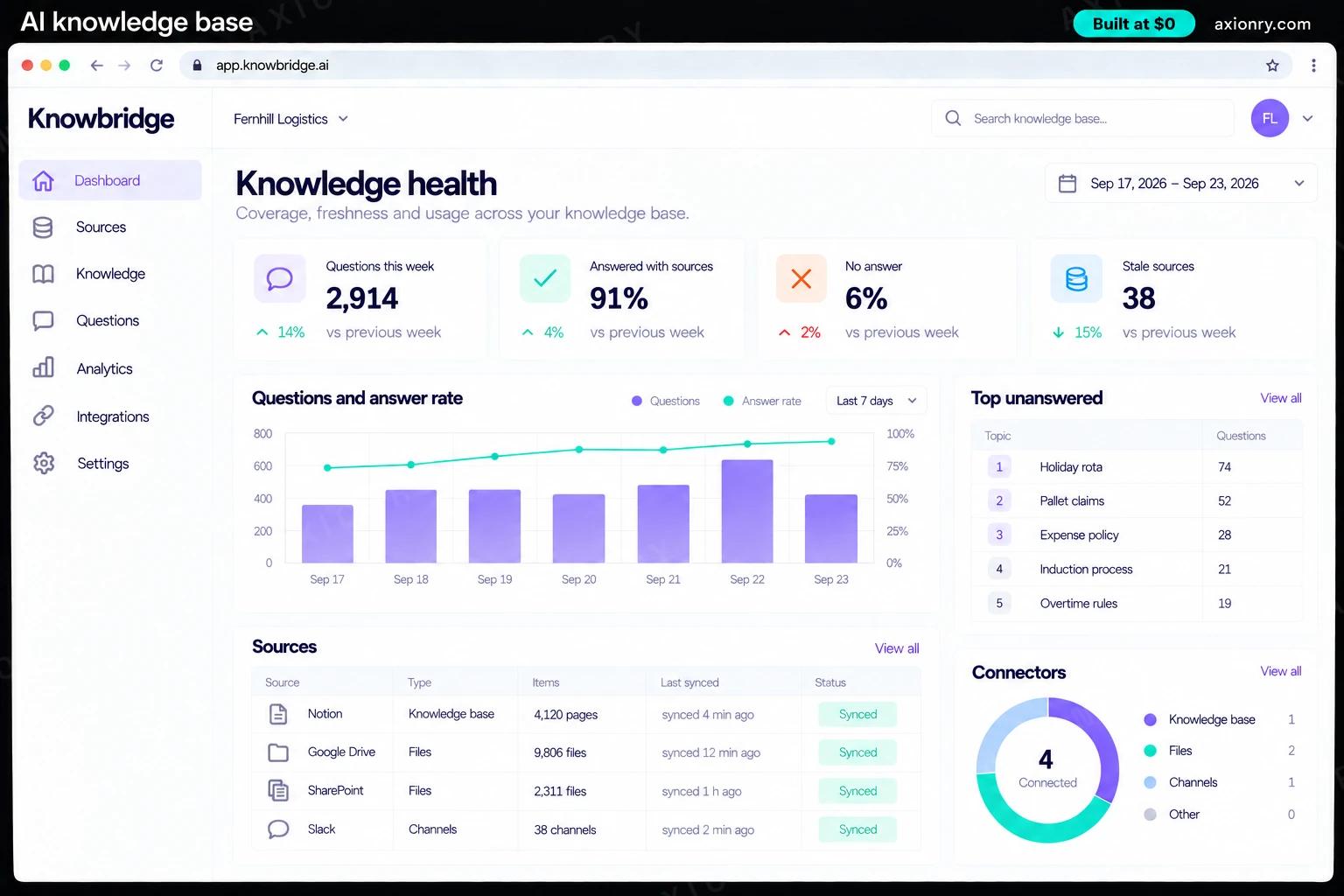
Each week, unanswered questions are grouped by topic, beside the most-cited documents that have not been updated in a year.
Single sign-on and audit log
Sign-in through Okta, Microsoft Entra ID or Google Workspace, with every question, answer and source logged.
What screens does an AI knowledge base have?
It is built around 3 screens: answer in chat, web assistant and knowledge health.
- 1Answer in chatAn employee asks about the hotel expense limit in a team chat thread and gets a short answer with two dated sources.
- 2Web assistantThe same answer on the web with a highlighted quoted passage and a note that one source is 14 months old.
- 3Knowledge healthConnectors synced, questions this week, the share answered and the top unanswered topic.
How does an AI knowledge base work?
End to end, in 5 steps: connectors sync content and permissions, documents are indexed by meaning, a question is searched within access, sources are checked and ranked and an answer or a clear refusal.
- 1
Connectors sync content and permissions
Each source syncs incrementally from where it left off, deletions included. Permission changes sync more often than content, because a stale permission is a security problem.
- 2
Documents are indexed by meaning
Pages are split by heading, Slack by thread and tickets by problem and resolution, and each chunk stores who may see it and when it last changed.
- 3
A question is searched within access
The question is rewritten using your glossary of internal names, then searched with keyword and vector search limited to what this person can open.
- 4
Sources are checked and ranked
The top documents are checked again against the source tool's permissions, then ranked so current official pages come before old or unofficial ones.
- 5
An answer or a clear refusal
A model writes a short answer quoting its sources. A check confirms every quote exists and the sources are recent enough; otherwise the assistant says what it found and why it cannot answer.
What is the architecture and tech stack of an AI knowledge base?
It has 8 layers: connectors (Google Drive, SharePoint (Microsoft Graph), Notion, Confluence and Jira, Slack APIs), identity (Okta, Microsoft Entra ID or Google Workspace through WorkOS), index (Postgres with pgvector and full-text search), embeddings (OpenAI text-embedding-3-small or Voyage), answer model (Claude Sonnet 5, with Claude Haiku 4.5 for rewriting and checks), chat surfaces (Slack app built with Bolt, Next.js web app), jobs and hosting (Scheduled sync workers on Vercel and Supabase, or your AWS account) and quality and audit (Golden question set, Langfuse traces, audit log in Postgres). The diagram shows how a request moves through them.
| Layer | What we use | Why |
|---|---|---|
| Connectors | Google Drive, SharePoint (Microsoft Graph), Notion, Confluence and Jira, Slack APIs | Incremental sync with deletions and permissions per source; this is where most of the ongoing work lives. |
| Identity | Okta, Microsoft Entra ID or Google Workspace through WorkOS | Single sign-on and group membership, so access matches what people can already open. |
| Index | Postgres with pgvector and full-text search | Access rules sit inside the same query as the search, so the database never returns a chunk the asker may not see. |
| Embeddings | OpenAI text-embedding-3-small or Voyage | Embedding a whole company's documents costs little; the index is not where the money goes. |
| Answer model | Claude Sonnet 5, with Claude Haiku 4.5 for rewriting and checks | A strong model writes from the sources, and a fast one handles the cheap steps around it. |
| Chat surfaces | Slack app built with Bolt, Next.js web app | People ask where they already work, and the web app keeps history and longer answers. |
| Jobs and hosting | Scheduled sync workers on Vercel and Supabase, or your AWS account | Syncs, deletion checks and weekly reports run on a timer, with an alert when a source goes quiet. |
| Quality and audit | Golden question set, Langfuse traces, audit log in Postgres | For any question, weeks later, you can see what was retrieved, what was cited and why. |
How much does it cost to build an AI knowledge base?
A launch-ready AI knowledge base costs $26,000 to $54,500 to build and takes 7 to 12 weeks. A clickable demo costs $3,100 to $6,500 (2 to 4 weeks), and running it costs $330 to $990 a month at the usage below. You start at $0 and pay per checkpoint you accept.
Priced with the same model as our AI product cost estimator, from the features above. Your price is fixed in writing after a 20-minute call, before any work starts.
| Version | Build cost | Timeline | What it is |
|---|---|---|---|
| Clickable demo | $3,100 to $6,500 | 2 to 4 weeks | Clickable and real where it matters, on test data. Built to show users and investors, not to carry production traffic, so compliance work starts at launch. |
| Launch-ready | $26,000 to $54,500 | 7 to 12 weeks | Production architecture, tests on the risky paths, monitoring, and a handover your team can run. |
| Enterprise-grade | $34,000 to $71,000 | 8 to 14 weeks | Load tested, highly available, audited and documented for a larger team. |
What it costs to run
About 500 employees asking a few questions each working day, answered by Claude Sonnet 5 from your indexed documents, plus hosting and syncing.
| Line | Per month | Assumes |
|---|---|---|
| Hosting and database | $45 to $120 | Vercel + managed services, sized for 500 monthly users |
| Model usage | $290 to $720 | Claude Sonnet 5, 60 requests per user a month |
| Email, monitoring, analytics | $0 to $150 | Free tiers cover most products at launch |
| Total | $330 to $990 | List prices, before any volume discount |
Build at $0: how you pay
$0 is when you pay, not what you pay. The launch-ready build is split into checkpoints with acceptance criteria agreed before work starts, and each one is invoiced only after you have seen it and accepted it.
- 1Scope and acceptance criteriaBefore work startsA call, then a written plan: every checkpoint with acceptance criteria you agree to before work starts.$0
- 2Architecture and first flowBy week 2Data model, service boundaries and one real flow working end to end.$5,000 to $11,000
- 3Core productBy week 6The main flows on production architecture, with a demo at the end of every week.$8,000 to $16,500
- 4AI on your real dataBy week 10Models, agents or voice working on real inputs, with evals and guardrails in place.$8,000 to $16,500
- 5Launch and handoverBy week 12Deployed on your accounts and documented, with 30 days of defect correction included.$5,000 to $11,000
What can you add to an AI knowledge base after launch?
The additions most teams make next: more sources, actions, not only answers, private model option and sell it as a product.
More sources
Add Zendesk, GitHub, HubSpot, Salesforce or your own systems, each as one more connector with its permission model mapped.
Actions, not only answers
Let the assistant file a ticket, request access or draft a document through approved tools, with confirmation.
Private model option
Run the answer model on open weights in your own cloud when documents may not leave your network.
Sell it as a product
Package it for other companies, with a separate index per customer, a catalog of connectors and per-seat billing.
What are the risks when building an AI knowledge base?
Three things decide whether it works in production: permission leaks, stale answers that sound right and connectors that quietly stop.
Permission leaks
Filtering results after the search leaks through counts and empty answers, and stale permissions let people who changed teams see old content. Filter inside the query, sync permission changes fast, re-check before answering, and fail closed.
Stale answers that sound right
An old but well-written page can outrank the current policy. Rank official locations higher, show every source's date, and warn when the newest source is old, so people know when to double-check.
Connectors that quietly stop
An API change or an expired token can stop a source syncing with no error anyone sees, and deleted files can linger. Alert when a source goes quiet, reconcile deletions on a schedule, and track refusals per source.