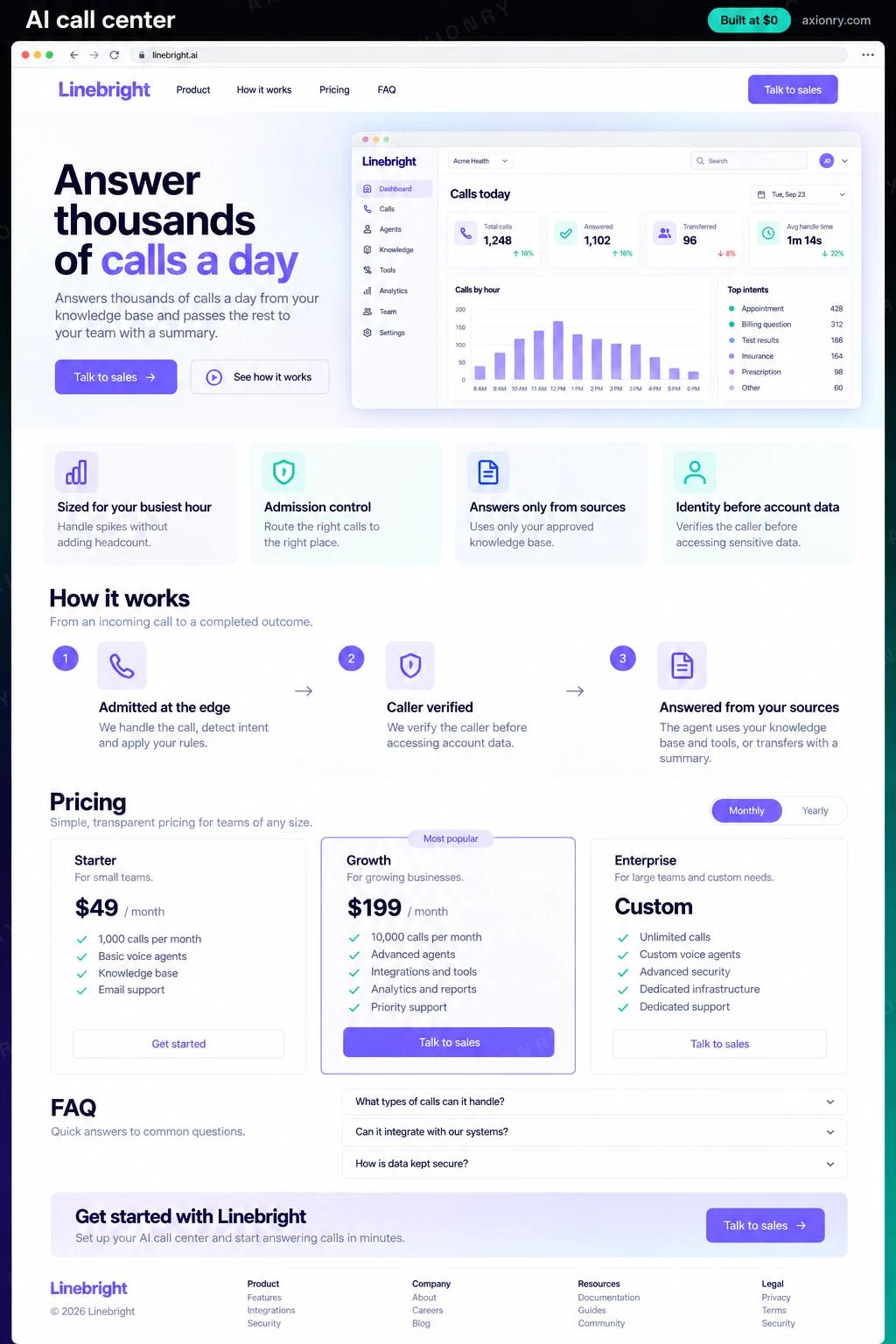
What is an AI call center?
An AI call center is a voice agent that works as the front line of your phone support. It answers every call at once, however many arrive, resolves routine requests such as order status, bookings and returns from your knowledge base and systems, and passes everything else to your human team with a summary.
It is for companies that take hundreds or thousands of calls a day: retailers, travel and delivery businesses, utilities, telecoms and lenders. The value is handle time you stop paying for and queues that stop forming at peak. We plan the first year at about 40% of calls resolved without a person, rising as the knowledge base and tools improve, and the rest reach your team faster and with context.
Most companies build it for their own support line, starting with two or three call types and adding more as containment grows. This page prices that system, sized for a few thousand calls a day: admission control, grounded answers, account tools behind identity checks, a human queue, callbacks and a containment dashboard.
Answered at once even at peak, helped without repeating an order number, and offered a callback instead of a long hold.
Only the calls that need judgment, each arriving with the verified customer, the reason for the call and what the AI already tried.
Containment, repeat calls and cost per resolved call by intent, and a clear list of the knowledge gaps to fix next.
What features does an AI call center need?
An AI call center needs 8 core features: sized for your busiest hour, admission control, answers only from sources, identity before account data, handoffs with a summary, callbacks instead of hold, workers that scale safely and containment you can trust.
Sized for your busiest hour
SIP channels, agent workers and every vendor's concurrency limit are planned from peak-hour volume, not the daily average.
Admission control
When capacity is full, each new caller gets a short hold, the human queue or a callback offer, never a ringing line or silence.
Answers only from sources
Replies use passages retrieved from your knowledge base, and a caller whose question finds nothing relevant goes to a person.
Identity before account data
Order status, booking changes and returns run only after the caller is verified, with a read-back before anything changes.
Handoffs with a summary
Transferred calls arrive with the customer, the intent and a two-line summary, so nobody asks the caller to start again.
Callbacks instead of hold
Callers can choose a callback, and the dialer rings them back oldest first as capacity frees up, inside permitted hours.
Workers that scale safely
Agent workers are added before they saturate and finish live calls before shutting down, so a deploy never drops a conversation.
Containment you can trust
A call counts as resolved only with no transfer, a resolution signal and no repeat call within seven days, reported per intent.
What screens does an AI call center have?
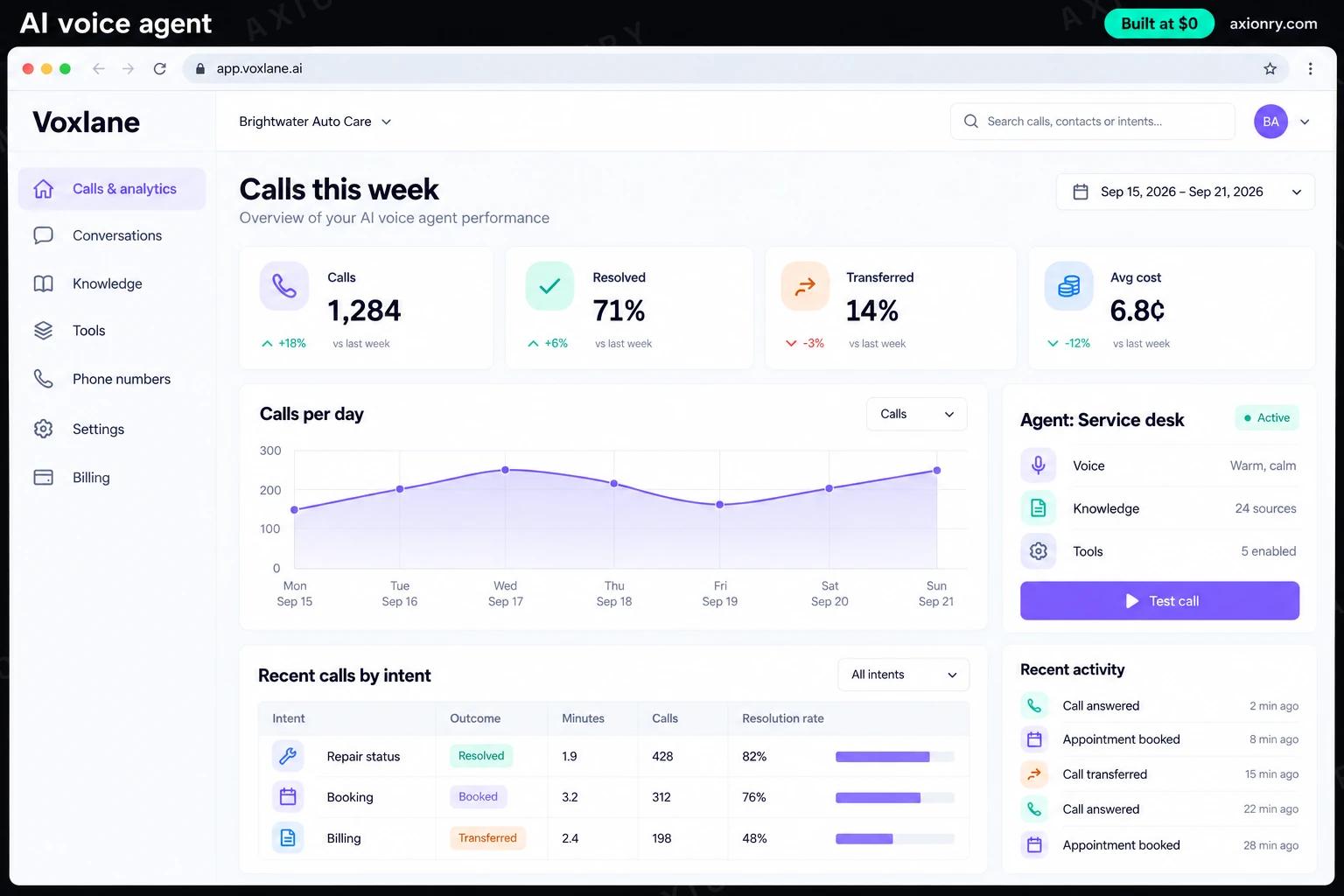
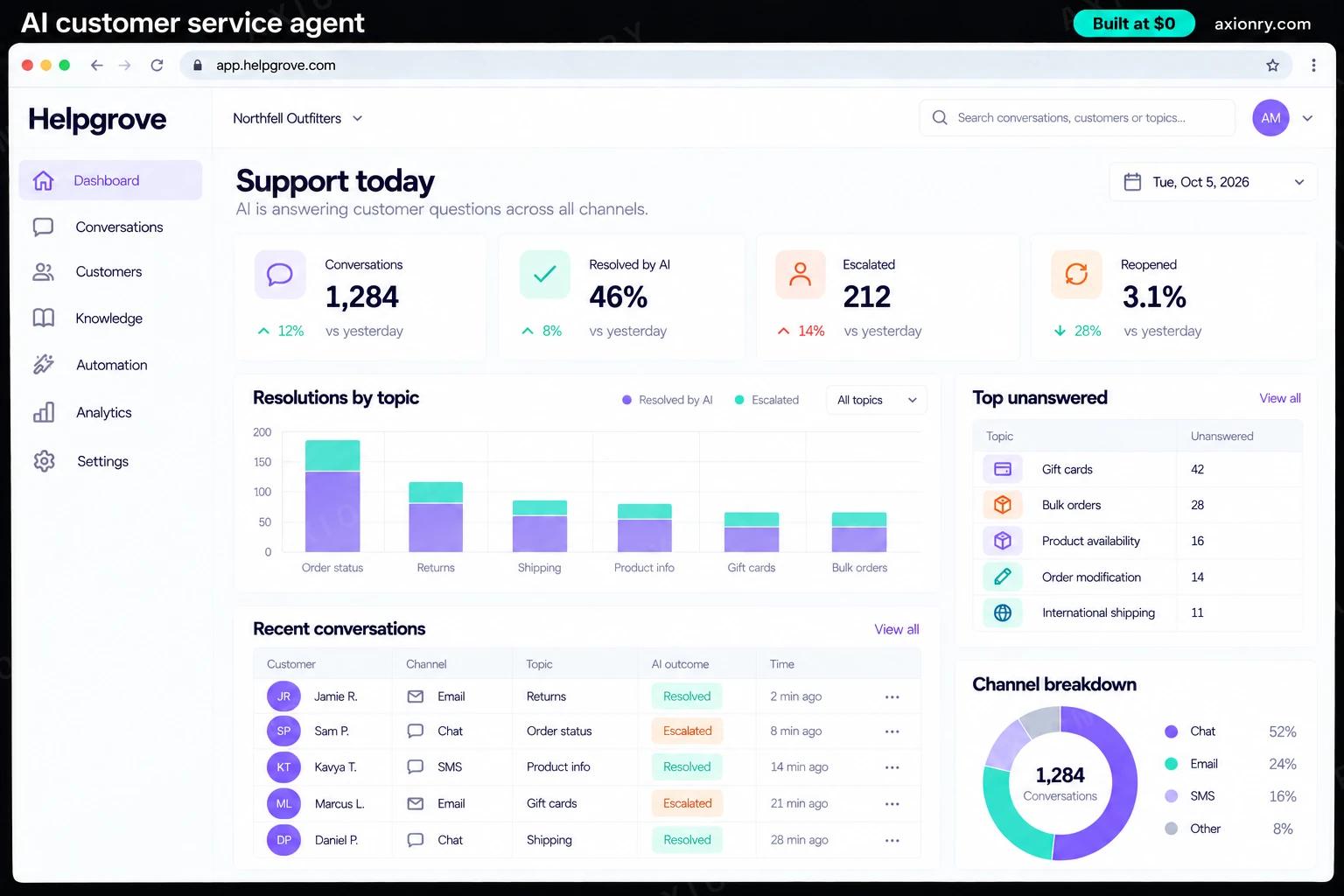
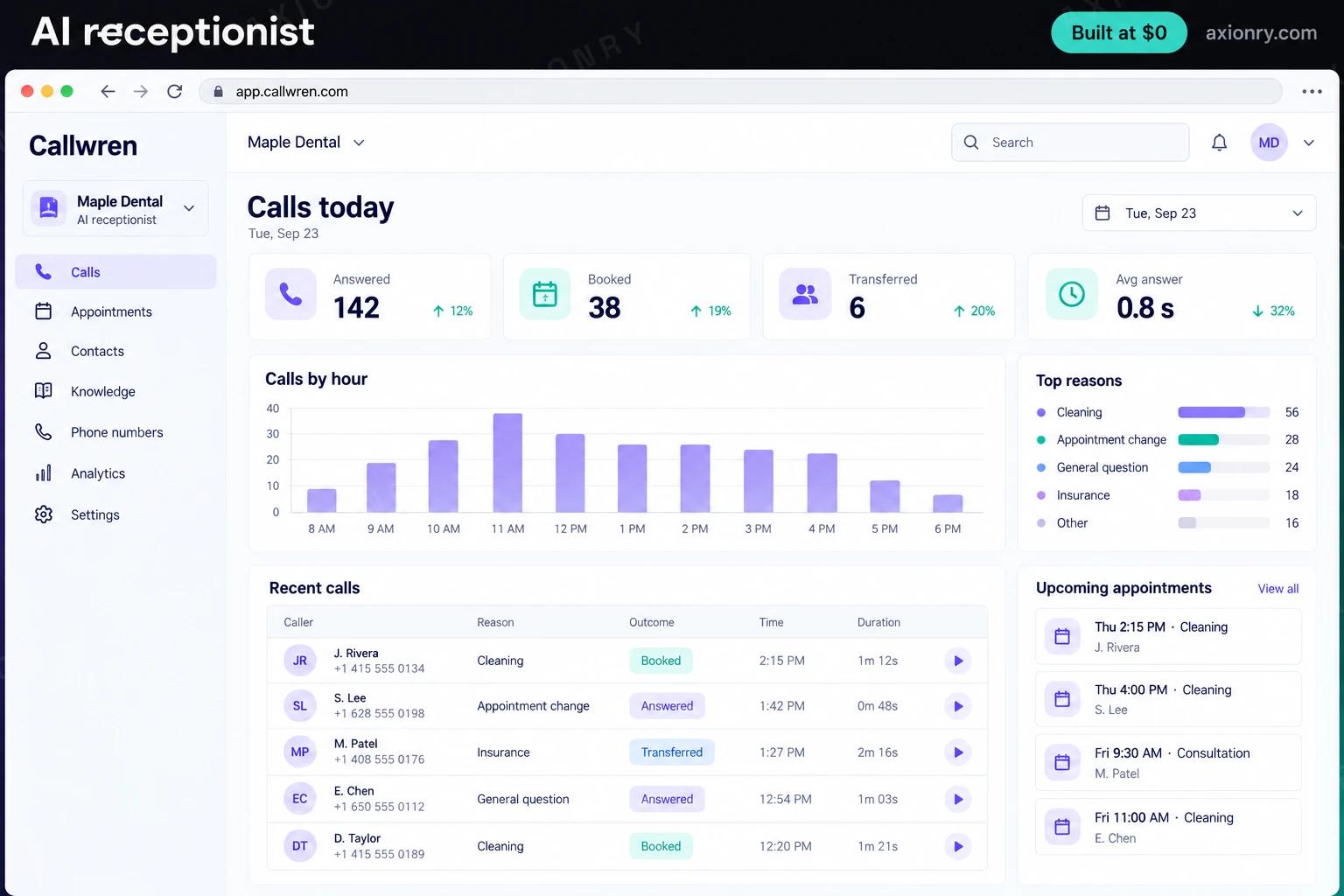
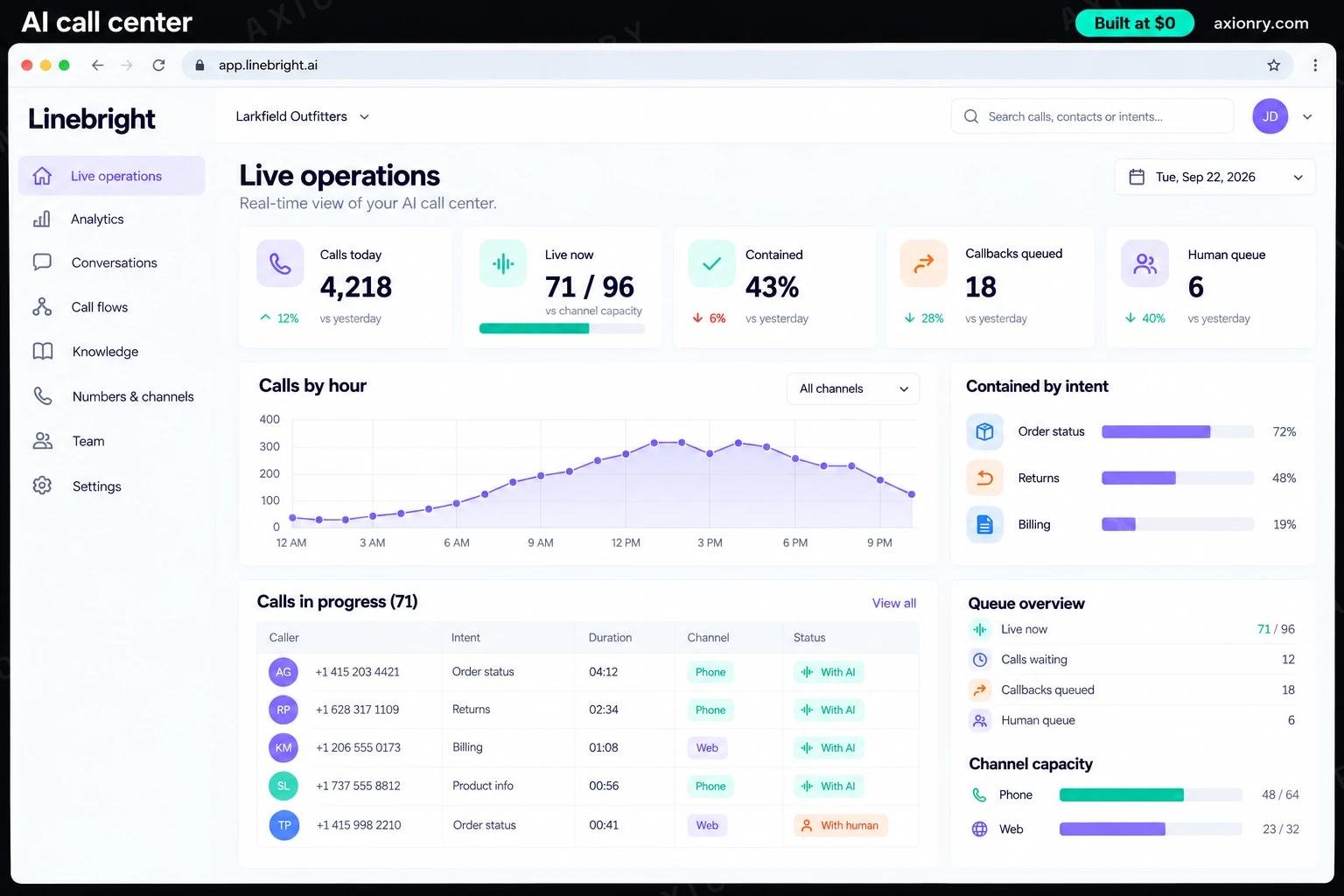
It is built around 3 screens: customer's call, live operations and agent desk handoff.
- 1Customer's callA customer asking about an order: verified by order number and ZIP code, told the delivery window and offered the tracking link by text.
- 2Live operationsCalls in progress against channel capacity, callers waiting, callbacks queued and today's containment by call type.
- 3Agent desk handoffWhat a support agent sees as a transfer lands: the verified customer, the intent, what the AI tried and why it handed over.
How does an AI call center work?
End to end, in 5 steps: admitted at the edge, caller verified, answered from your sources, resolved or handed over and scored per intent.
- 1
Admitted at the edge
Each new call reaches your SIP trunk, and an admission controller checks live capacity: the AI now, a short hold, the human queue or a callback offer.
- 2
Caller verified
Before touching account data the agent confirms who is calling, using the number on file plus an order number or ZIP code, and a one-time code for anything that moves money.
- 3
Answered from your sources
Questions trigger a hybrid search of your knowledge base, budgeted at about 150 milliseconds, and the reply may use only the passages that came back.
- 4
Resolved or handed over
Tools look up orders or change bookings after a read-back, and anything outside the rules goes to your queue with a summary attached.
- 5
Scored per intent
Every call is classified by intent and checked against repeat calls over the next seven days, which feeds the containment and cost reports.
What is the architecture and tech stack of an AI call center?
It has 8 layers: telephony (Telnyx or Twilio SIP trunks, channels sized for the busy hour), media and dispatch (LiveKit server and LiveKit SIP, self-hosted or LiveKit Cloud), agent workers (LiveKit Agents on Amazon EKS, compute-optimized instances), speech (Deepgram streaming speech to text, Cartesia text to speech, a second vendor configured for each), language model (Claude Haiku 4.5 with prompt caching, a second provider as failover), knowledge and grounding (Postgres with pgvector, hybrid keyword and vector search), call state (Redis keyed by call ID, Postgres for call records) and dashboards and alerts (Next.js on Vercel, Grafana for live metrics). The diagram shows how a request moves through them.
| Layer | What we use | Why |
|---|---|---|
| Telephony | Telnyx or Twilio SIP trunks, channels sized for the busy hour | Inbound capacity is bought as channels or elastic minutes; confirm the limit with the carrier in writing before launch week. |
| Media and dispatch | LiveKit server and LiveKit SIP, self-hosted or LiveKit Cloud | Bridges each call into a room and hands it to a free worker; hosted plans cap concurrent sessions, so check yours against the peak. |
| Agent workers | LiveKit Agents on Amazon EKS, compute-optimized instances | About 10 to 25 calls per 4-core server; scale out at half load and give draining workers ten minutes or more. |
| Speech | Deepgram streaming speech to text, Cartesia text to speech, a second vendor configured for each | Every vendor has its own concurrency tier, and a tested fallback turns a hit limit into a different voice instead of silence. |
| Language model | Claude Haiku 4.5 with prompt caching, a second provider as failover | Caching lowers cost and raises the effective rate limit, which matters at hundreds of model requests a minute. |
| Knowledge and grounding | Postgres with pgvector, hybrid keyword and vector search | Fast enough for a 150 millisecond search budget, and every spoken answer must name the passages it used. |
| Call state | Redis keyed by call ID, Postgres for call records | A dropped caller who rings back resumes where they were, and a crashed worker costs one call, not the context. |
| Dashboards and alerts | Next.js on Vercel, Grafana for live metrics | Containment, repeat calls, queue depth and 95th percentile turn time, with alerts on rates rather than single calls. |
How much does it cost to build an AI call center?
A launch-ready AI call center costs $38,500 to $80,500 to build and takes 9 to 16 weeks. A clickable demo costs $4,600 to $9,500 (3 to 6 weeks), and running it costs $5,200 to $5,900 a month at the usage below. You start at $0 and pay per checkpoint you accept.
Priced with the same model as our AI product cost estimator, from the features above. Your price is fixed in writing after a 20-minute call, before any work starts.
| Version | Build cost | Timeline | What it is |
|---|---|---|---|
| Clickable demo | $4,600 to $9,500 | 3 to 6 weeks | Clickable and real where it matters, on test data. Built to show users and investors, not to carry production traffic, so compliance work starts at launch. |
| Launch-ready | $38,500 to $80,500 | 9 to 16 weeks | Production architecture, tests on the risky paths, monitoring, and a handover your team can run. |
| Enterprise-grade | $50,000 to $105,000 | 11 to 20 weeks | Load tested, highly available, audited and documented for a larger team. |
What it costs to run
Some 200,000 AI minutes a month, which is about 2,200 three-minute calls a day, with the worker fleet on AWS and supervisors on the dashboard.
| Line | Per month | Assumes |
|---|---|---|
| Hosting and database | $210 to $700 | AWS, sized for 100 monthly users |
| Model usage | $15 to $35 | Claude Sonnet 5, 15 requests per user a month |
| Voice minutes | $5,000 | 200,000 minutes on Custom LiveKit stack |
| Email, monitoring, analytics | $0 to $150 | Free tiers cover most products at launch |
| Total | $5,200 to $5,900 | List prices, before any volume discount |
Build at $0: how you pay
$0 is when you pay, not what you pay. The launch-ready build is split into checkpoints with acceptance criteria agreed before work starts, and each one is invoiced only after you have seen it and accepted it.
- 1Scope and acceptance criteriaBefore work startsA call, then a written plan: every checkpoint with acceptance criteria you agree to before work starts.$0
- 2Architecture and first flowBy week 3Data model, service boundaries and one real flow working end to end.$7,500 to $16,000
- 3Core productBy week 8The main flows on production architecture, with a demo at the end of every week.$11,500 to $24,000
- 4AI on your real dataBy week 13Models, agents or voice working on real inputs, with evals and guardrails in place.$11,500 to $24,000
- 5Launch and handoverBy week 16Deployed on your accounts and documented, with 30 days of defect correction included.$7,500 to $16,000
What can you add to an AI call center after launch?
The additions most teams make next: proactive outbound notices, live assist for human agents, chat on the same knowledge and staffing from the forecast.
Proactive outbound notices
Calls customers about delivery delays, outages or changed appointments before they call you, which takes a spike out of the inbound queue.
Live assist for human agents
The same pipeline listens to calls your team handles and suggests answers, account facts and next steps in real time.
Chat on the same knowledge
The knowledge base, tools and grounding check reused for web chat and WhatsApp, so every channel gives the same answer.
Staffing from the forecast
Forecasts AI and human load from call history and known events such as billing runs, and sizes the human queue with Erlang C.
What are the risks when building an AI call center?
Three things decide whether it works in production: the smallest limit sets capacity, containment numbers can flatter and card data and identity.
The smallest limit sets capacity
Capacity is the lowest ceiling in the chain: trunk channels, media sessions, speech vendor streams or model rate limits. Hitting one rarely throws a clean error; the caller hears silence. List every limit, raise the smallest first, and load-test at 1.5 times your forecast peak.
Containment numbers can flatter
A caller who hangs up angry or rings back tomorrow was not helped. Count a call as contained only with a resolution signal and no repeat call from that number within seven days, per intent, or the dashboard will praise a failing agent.
Card data and identity
Never take card numbers by voice: send a payment link so recordings and transcripts stay out of PCI DSS scope. Verify callers before reading any account detail, and let tools read the verified customer from call state, never from the model's arguments.
Where can you read more before you build?
- AI Call Center Agent: Answer Thousands of Calls a Day From Your Own Knowledge Base
- AI Voice Agent Development: the service behind this build